Choose the same batch
Upload order and shipment CSVs with comparable dates and matching order references. Add SKU and quantity columns.
A 7-day workflow pilot
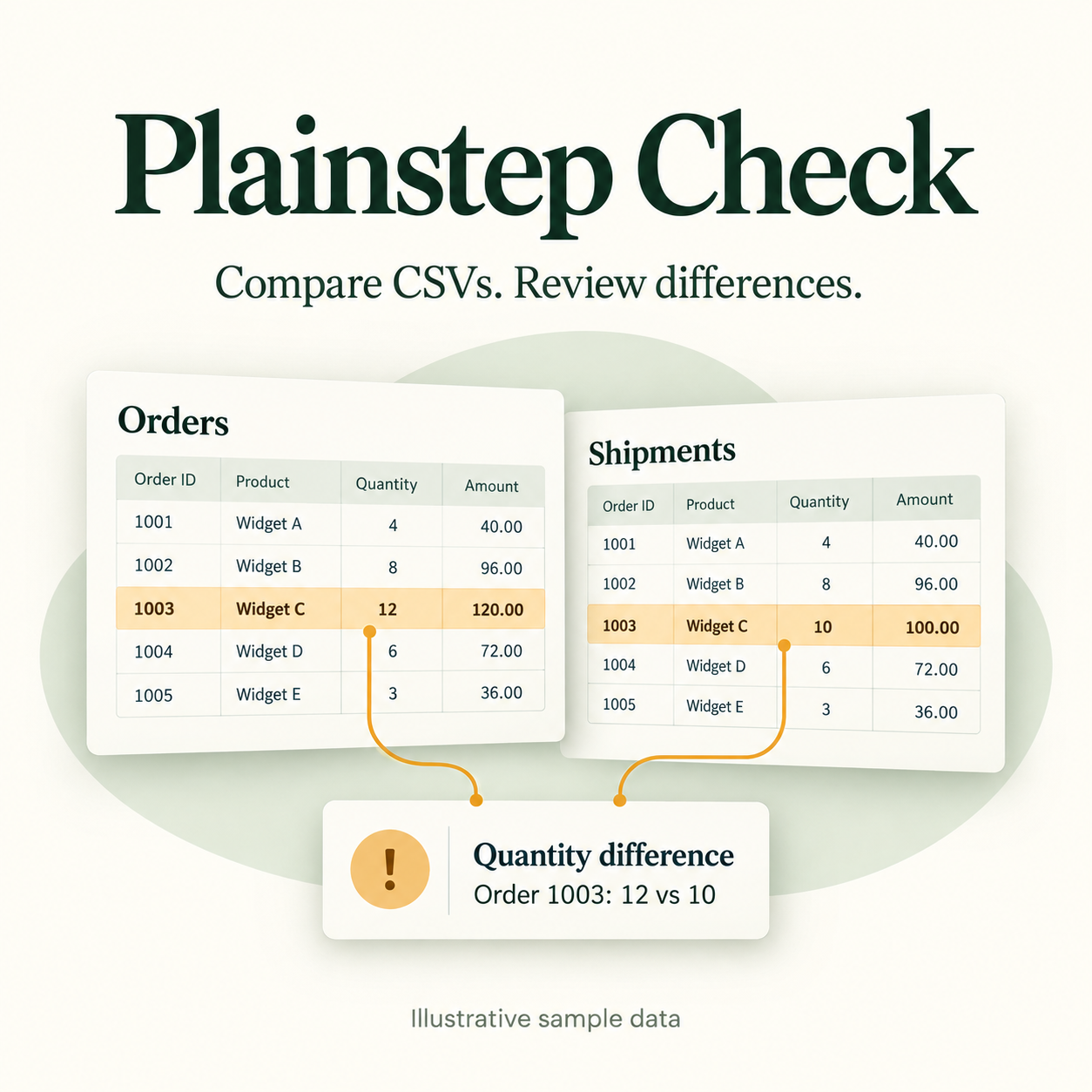
Compare an order export with a shipment file. See which references, SKUs and quantities need a second look, then export a review report.
Explore the sample workspaceFree pilot · No card · No automatic charge
Browser-only filesYour uploaded CSVs stay in your browser.
One real comparisonStart with a batch you already know.
You decide what is an errorA difference is a review flag, not proof of a missing shipment.
What you can do
Upload order and shipment CSVs with comparable dates and matching order references. Add SKU and quantity columns.
Review missing references, quantity differences and duplicate keys. Open a finding to see its original rows.
Mark what you have reviewed and export the findings. Download your report before refreshing the page.
A useful first test
Try it over the next week whenever a real comparison comes up. The goal is to find out whether the full process—including preparing files and checking findings—takes less work.
The seven days are a feedback window, not a paid subscription. There is no automatic renewal or account lockout at the end.
What would help us learn
Tell us how long your usual method took, how long this comparison took—including file preparation—and whether any findings were useful or misleading. Would you use it for the next batch?
You do not need to send customer records. If a format fails, a description or a small invented example is enough to start.